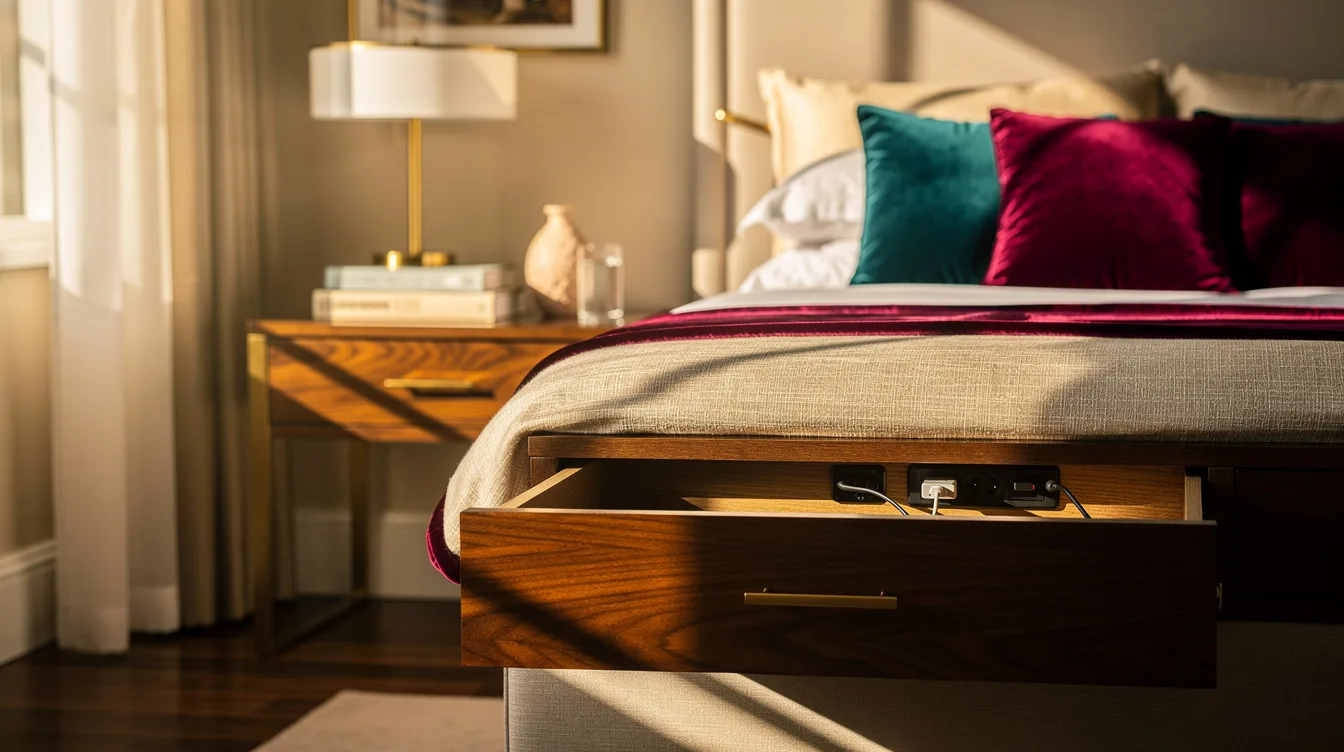
A bedside table can look composed until a phone, tablet, and adapter spill across its top. The hotel-style fix that hides the whole charging station is a purpose-built drawer module, with hardware references around $325 and $435 before furniture work or installation.
A USB-C wall outlet is a simpler upgrade, but it leaves the lead in view. The right choice depends on whether you want a cleaner cable path or a fully concealed station inside a wood nightstand.
Put the Whole Charging Station in a Drawer
For the most complete hotel look, put the charging equipment in the top drawer of an oak veneer nightstand. The surface stays available for a lamp and water glass, while the phone can charge out of sight.
A purpose-built 15-amp module costs about $325 in hardware, while a larger version runs around $435. The lower-capacity format can support up to four device connections, while the higher-capacity format can handle up to eight, depending on configuration.
That specialist charging hardware is priced separately from drawer modification and electrical installation. Put it in an upper drawer rather than a deep bottom drawer, because a shorter reach makes the bedside routine easier.
Measure the Drawer Before Cutting
Measure the drawer box, not the furniture’s outside width, before ordering anything. A published assembly can be about 13 inches wide, 4.64 inches high, and 2.5 inches deep, but those figures describe the module rather than the drawer interior it needs.
For a shallow drawer, plan on at least about 15 inches of outside width and 3 inches of internal height. A taller drawer may need roughly 13 inches of outside width and 4 inches of internal height, with clearance behind the drawer interior for the cable-management arm.
That rear clearance is easy to miss: allow about 2 inches behind the drawer box, or roughly 1.25 inches only when the approved addition supports that tighter layout. Use a wood drawer front that can be drilled without splintering, then test the full open-and-close motion before final wiring.
Use a Wall USB-C Outlet for a Faster Retrofit
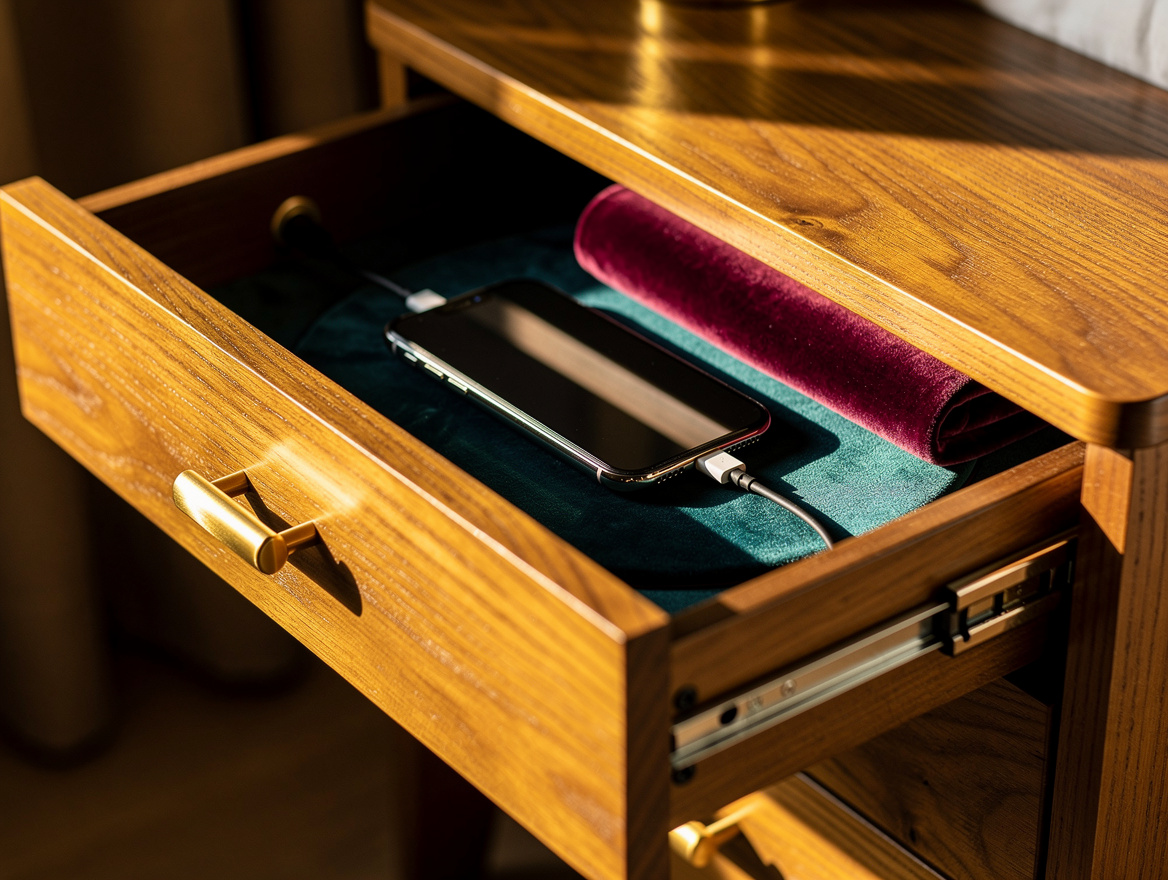
If the furniture is staying put, replace the existing receptacle with a USB-C wall outlet. A black two-port model with AC receptacles is listed around $113 and has a product depth of about 1.52 inches, subject to the installation box and drawing.
This approach removes the bulky charging brick from the tabletop, which makes a visible difference beside a low headboard. It does leave the charging lead running from the wall to the phone, so it is a tidy electrical upgrade rather than total concealment.
Have a qualified electrician confirm box fit, grounding, and local requirements. A black finish works well against a dark wall or walnut furniture, while a white receptacle recedes beside pale paint.
Hide a Cable Behind the Nightstand
For a renter-friendly route, cover the wall connection behind the nightstand with a white outlet cover and route the lead along the furniture’s rear edge. An ultra-thin concealer is listed at about $28 and includes an approximately 3-foot, or 91-centimeter, lead.
This solution relocates plugs behind the furniture and hides the wall connection, but it does not conceal the charging station itself. Think of it as cable management with a cleaner finish, not a drawer replacement.
Place the nightstand close enough to keep the cord slack off the floor, then use a cord-concealer kit that matches the wall. A simple IKEA or Wayfair nightstand with a solid back panel is easier to tidy than an open metal frame.
Mount a Small Shelf Beside the Bed
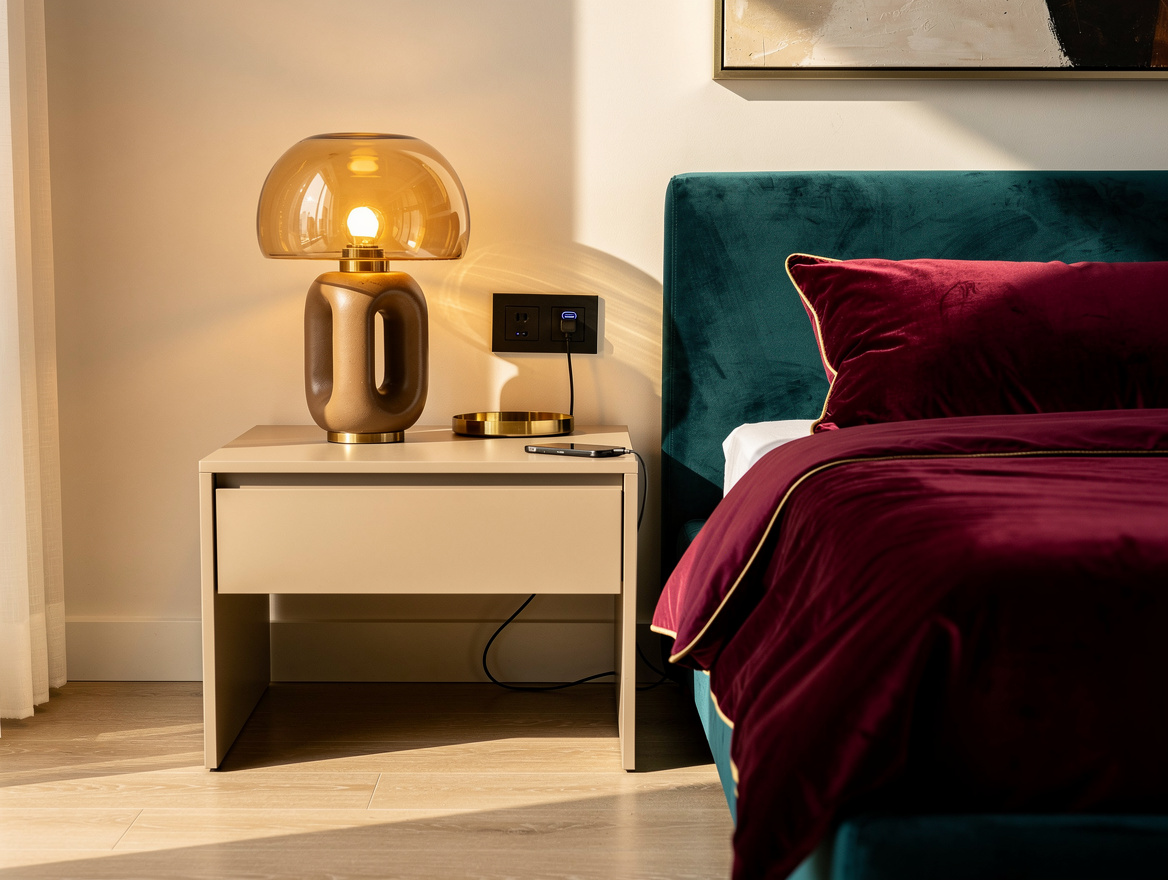
A small shelf attached to the bed frame can keep the phone within reach when a drawer is impossible. One solid wood example costs about $100 and measures roughly 8 inches wide, 5.5 inches high, and 3 inches deep.
It can place two AC sockets plus USB-A and USB-C ports beside the mattress. The cables still need routing, so run them along the frame’s underside and leave enough slack for bed movement.
This works especially well with a narrow room or a platform bed that has no room for a full nightstand. Choose a stained finish that echoes the headboard, then keep the shelf visually quiet so the hardware reads as part of the furniture.
Style the Surface After the Wires Disappear
Once the outlet is hidden, let the tabletop hold only what you use at night: a ceramic lamp and water glass. The charging point should support the room instead of becoming its main visual feature.
Keep adapters and spare leads inside the drawer with a small amount of air around them. Do not pack a power strip under bedding or pinch a cord behind a moving drawer, and stop if any plug or cable feels hot.
For a softer hotel finish, pair the bedside setup with linen bedding and one warm wood note, such as an oak tray. A controlled palette makes the concealed hardware feel intentional, even when the outlet itself remains visible.
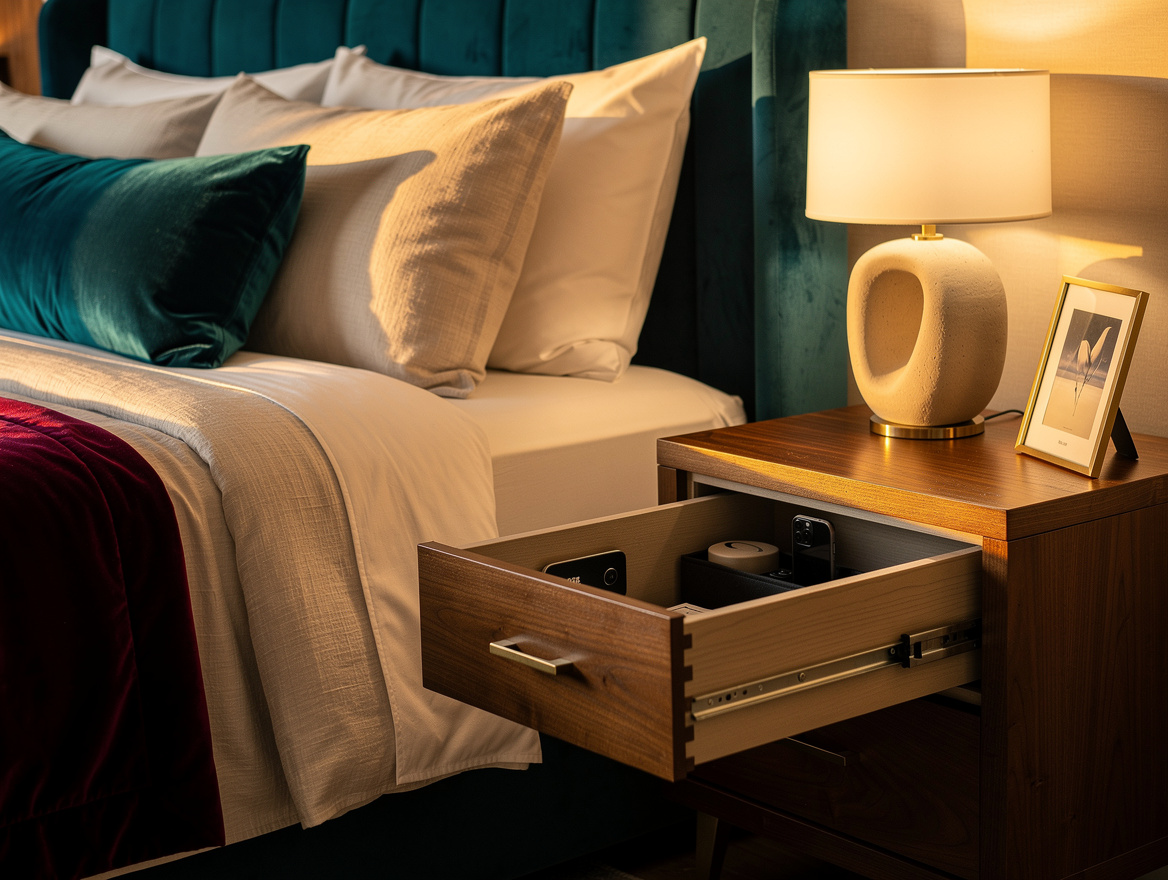
Budget in layers: a cable cover costs about $28, a USB-C receptacle is around $113, and drawer hardware runs roughly $325 to $435. Begin by measuring the nightstand drawer, because that single check tells you whether a genuinely hidden charging station is practical.
Mia Carter writes about small-space living and budget home makeovers. She has restyled three rentals and tests most ideas in her own 45 sqm flat.